
3D Logo Maker for the Mark You Already Use

Give your existing artwork a dimensional finish with this 3D logo maker. Adjust its depth, material, lighting and pose, then download a PNG for your next presentation or brand composition.

Loading logo studio…

See What Depth Adds to a 3D Logo

The T-shaped mark keeps its familiar outline while reflective surfaces reveal its thickness and beveled edges. Use the 3D logo maker to explore that change in perspective, then choose a still view that fits your composition.

Flat artwork
Flat black T-shaped emblem on a light background
Dimensional treatment
Reflective dimensional T-shaped emblem against a blue studio background

Use the 3D Logo Maker in Three Steps

Make Your Logo 3D

Upload Your Existing Logo

Add an SVG, PNG, JPEG or WebP under 4 MB. The 3D logo maker uses the visible outline as the starting shape.

Refine Depth and Appearance

Adjust thickness and bevel, compare materials, then move the light and camera. Check small details as you turn the shape in the preview.

Download a Finished PNG

Choose the frame and resolution, set a transparent or solid background, and export. Place the image into your presentation, layout or preferred design software.

3D Logo Design With Visible Control

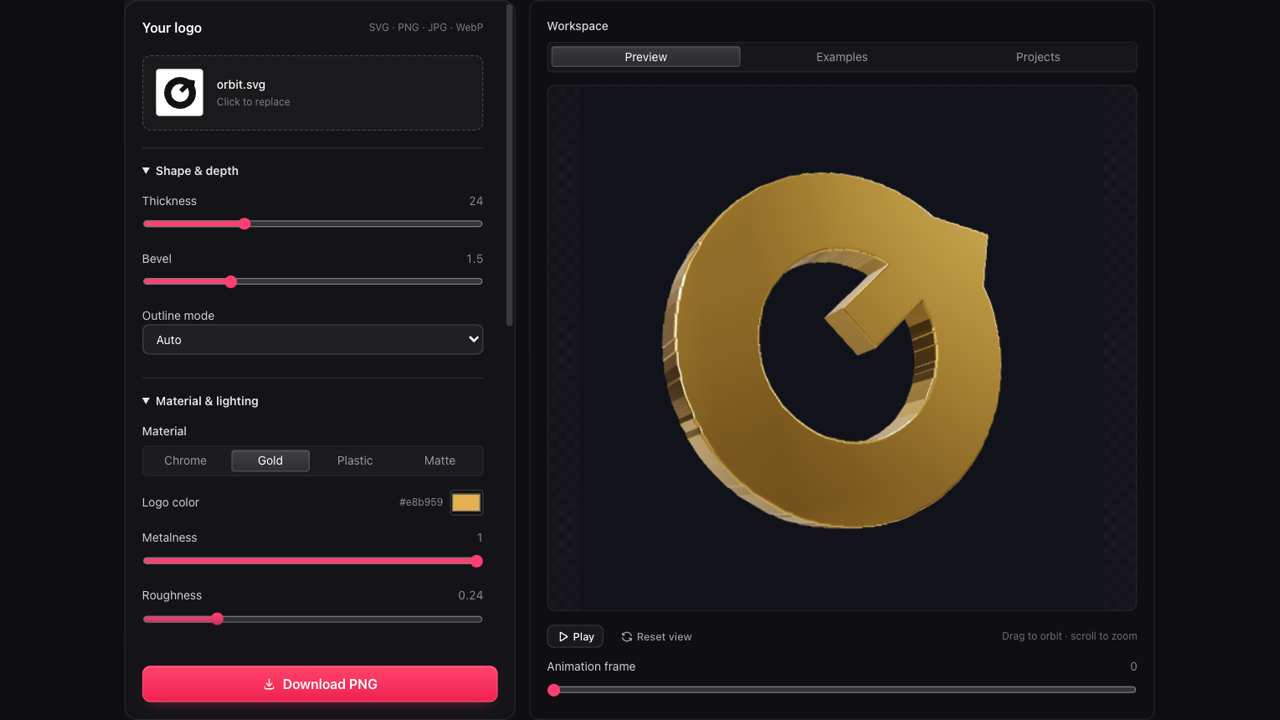
3D logo maker workspace showing the logo preview beside editing controls

A 3D Logo Maker With a Live Preview

See the logo while you adjust it, with the controls and scene in one workspace. Compare a shallow treatment with deeper extrusion, then change the bevel to decide how strongly the edges catch the light.

Open the Editor

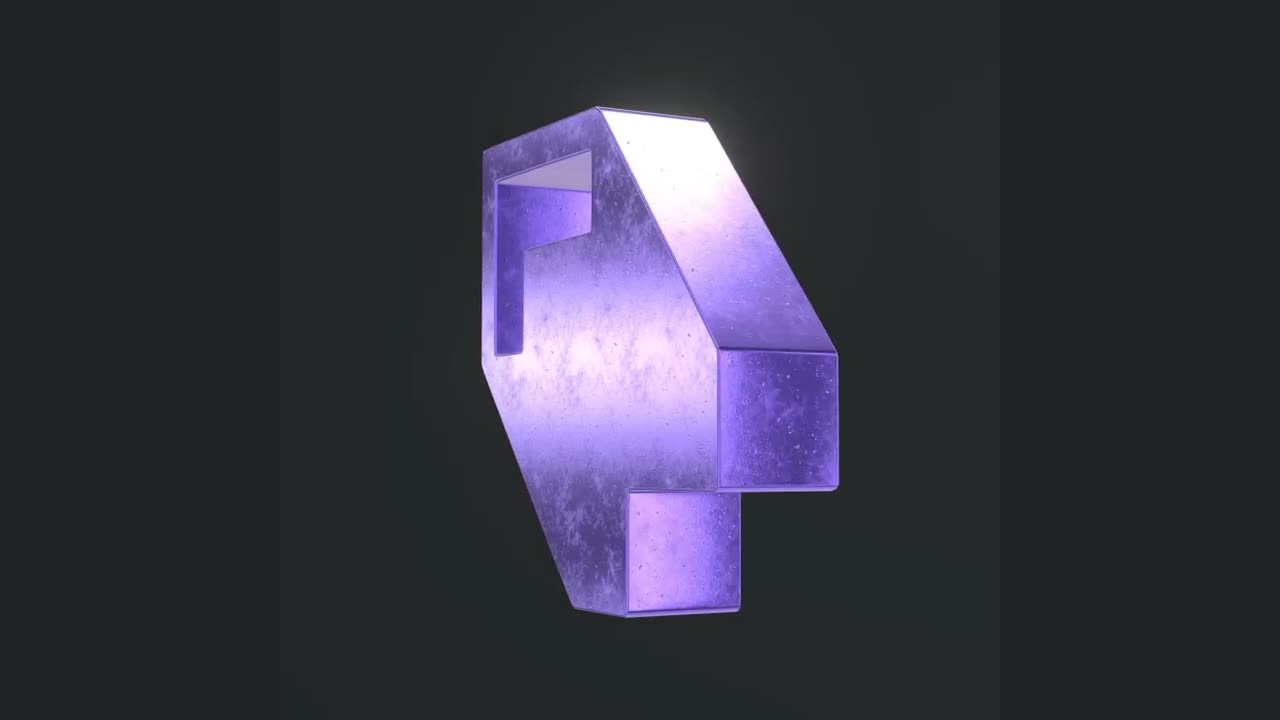
Blue plastic dimensional letter emblem with visible side surfaces and a soft shadow

Make a Brand Mark Stand Out in a Layout

A dimensional logo can give a creator announcement, brand presentation or social graphic a distinct focal point. Keep enough space around the mark so its depth is visible and supporting text can still do its job.

Prepare a Brand Image
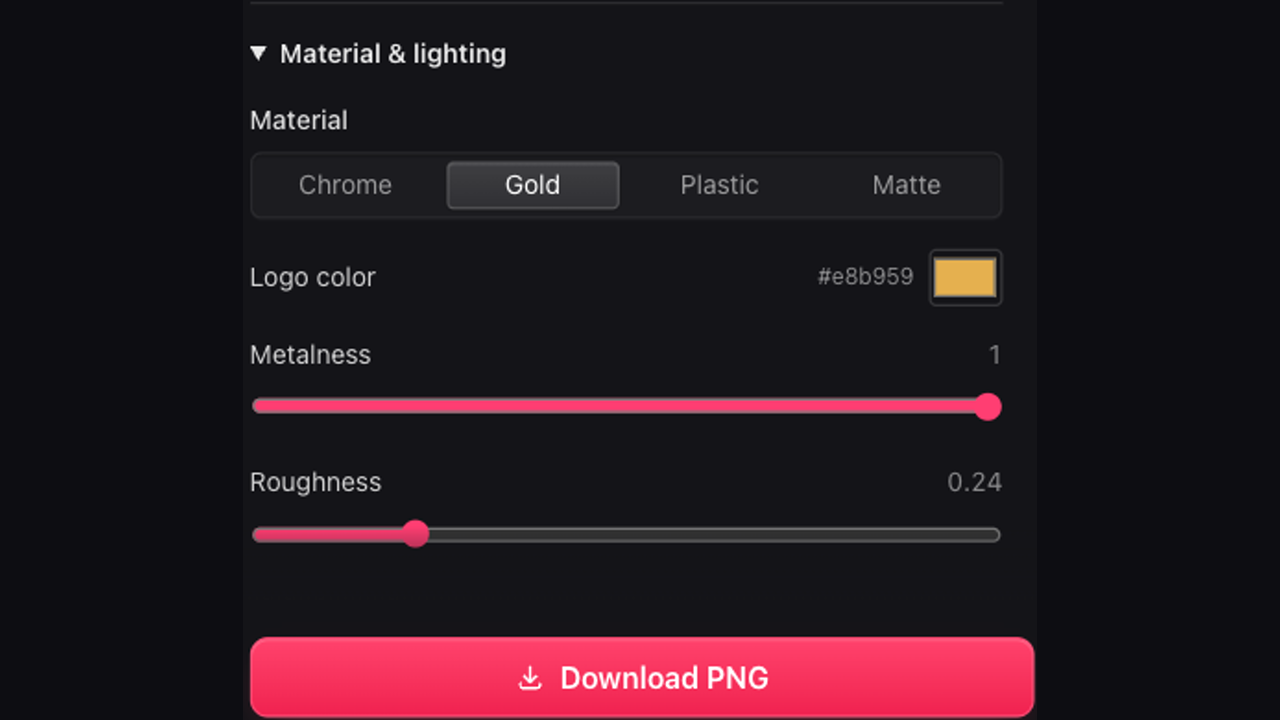
Close view of material presets, color, metalness and roughness controls

Choose the Surface in Your 3D Logo Maker

Start with chrome, gold, plastic or matte, then adjust the color, metalness and roughness. Lighting changes how those surfaces read, so the 3D logo maker keeps the result visible while you balance reflection against the original silhouette.

Explore Material Controls

Make the 3D Logo Maker Part of Your Workflow

Start with a clear mark and make purposeful visual decisions. The 3D logo maker lets you explore depth and surface while keeping the source identity at the center of the composition.

Keep the Original Shape Recognizable

The 3D logo maker builds from the artwork you provide. Compare the result with your original mark before selecting its final camera angle.

Choose a Useful Point of View

Tilt, turn and zoom the scene to show the thickness without hiding the front. A deliberate view helps the logo read at its intended size.

Gold apple-shaped emblem showing its thickness and reflective edge

Compare Finishes Without Starting Over

Try a different surface or background in the 3D logo maker while keeping your source artwork, then export the variation that suits the layout.

Reopen a Consistent Brand Treatment

Explicitly save your 3D logo maker project to your account. Restore the artwork and settings when another image needs the same depth and appearance.

3D Logo Maker Questions, Answered

Rose dimensional D brand mark

Give Your Mark Depth With the 3D Logo Maker

Upload your existing artwork to the 3D logo maker, refine its finish and download an image ready for your next composition.

Make Your Logo 3D