3D Logo Animation for Your Next Brand Moment

Turn an existing mark into 3D logo animation with visible depth, changing reflections and controlled movement. Upload your logo, shape its appearance and download a video for your next edit.

Loading logo studio…

From Flat Artwork to 3D Logo Animation

A familiar silhouette becomes easier to notice when its edges catch the light. Compare the flat P with its 3D logo animation to see how depth and motion change the presentation.

Flat logo
Flat white angular P logo against a dark background
Logo in motion

Make 3D Logo Animation in Three Steps

Animate Your Logo

Start With Your Mark

Upload an SVG, PNG, JPEG or WebP under 4 MB. A clear silhouette gives the logo animator a useful starting shape.

Set the Look and Movement

Build your 3D logo animation with thickness, bevel and material controls. Choose a motion style, then adjust its direction, timing and camera angle.

Download Your Video

With Pro, choose a square, wide or portrait frame, preview the movement and export your clip. Add the silent video to your preferred editing timeline.

An Animated Logo Maker You Can Direct

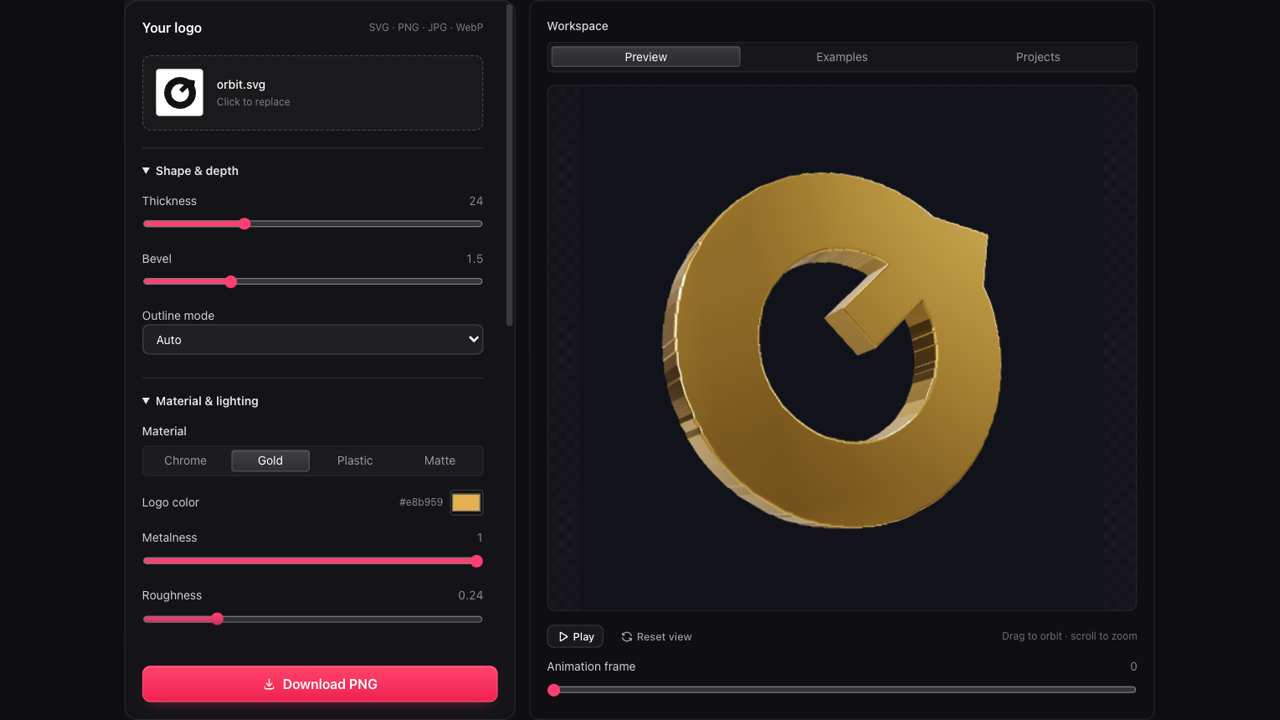
Logo animation workspace with settings beside a three dimensional preview

Control Your 3D Logo Animation in One Workspace

Keep the preview beside your settings while you work. Change the outline depth, material and camera position, then watch how each decision affects the same logo before you commit to a video export.

Open the Editor
Silver YOUR LOGO lettering presented as a dimensional material treatment

Give a Social Post a Recognizable Opening

For a creator introducing a new series or a brand announcing a release, a rotating logo can establish identity before the main content begins. Choose portrait framing when the finished edit needs a vertical composition.

Shape Your Intro
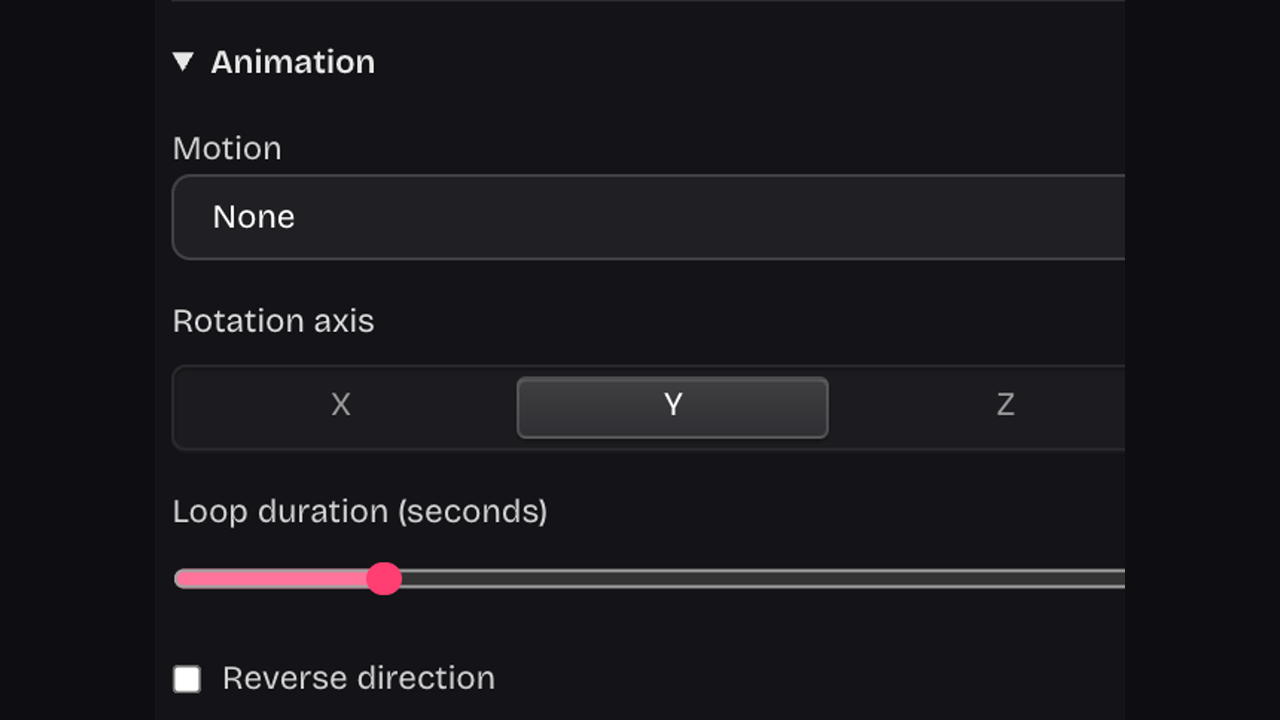
Animation controls for movement style, direction and duration

Choose How Your 3D Logo Animation Moves

Spin for a full rotation, rock for a restrained turn, or try float and pulse. Set a duration from two to twelve seconds, change the axis and reverse direction to match the pace of your edit.

Explore Motion Controls

Keep 3D Logo Animation Connected to Your Brand

Useful 3D logo animation starts with the identity you already have. Refine its presentation for the next channel while keeping the underlying mark recognizable to your audience.

Start With Familiar Artwork

Your uploaded silhouette is the basis of the 3D logo animation. You can focus on presentation instead of designing a replacement identity.

Make Deliberate Visual Choices

Adjust the camera, lighting and surface together. Previewing your 3D logo animation helps you judge whether reflections support or obscure the original mark.

Polished metallic swoosh with visible extrusion against a warm studio background

Explore Variations in the Browser

Try another motion, background or frame shape without rebuilding the scene. Keep the same source artwork as you compare options for a specific edit.

Return to a Saved Setup

Sign in and explicitly save your 3D logo animation project. Reopen its artwork, settings and camera position when you need another version.

3D Logo Animation Questions, Answered

Rose dimensional D brand mark

Put Your 3D Logo Animation in Motion

Bring the mark you already use. Build a 3D logo animation with the depth, finish and movement your next project needs.

Animate Your Logo